Does Ulamin really work without internet?
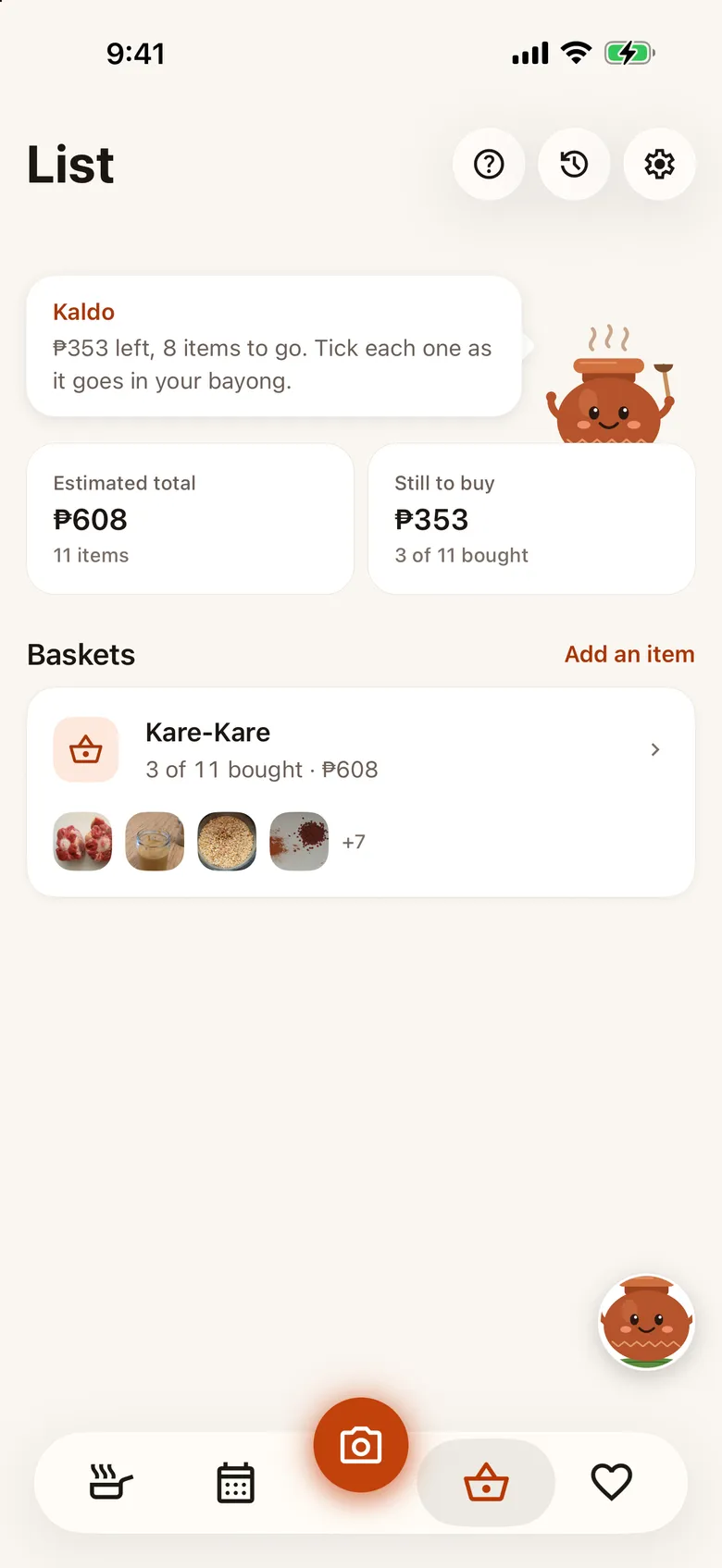
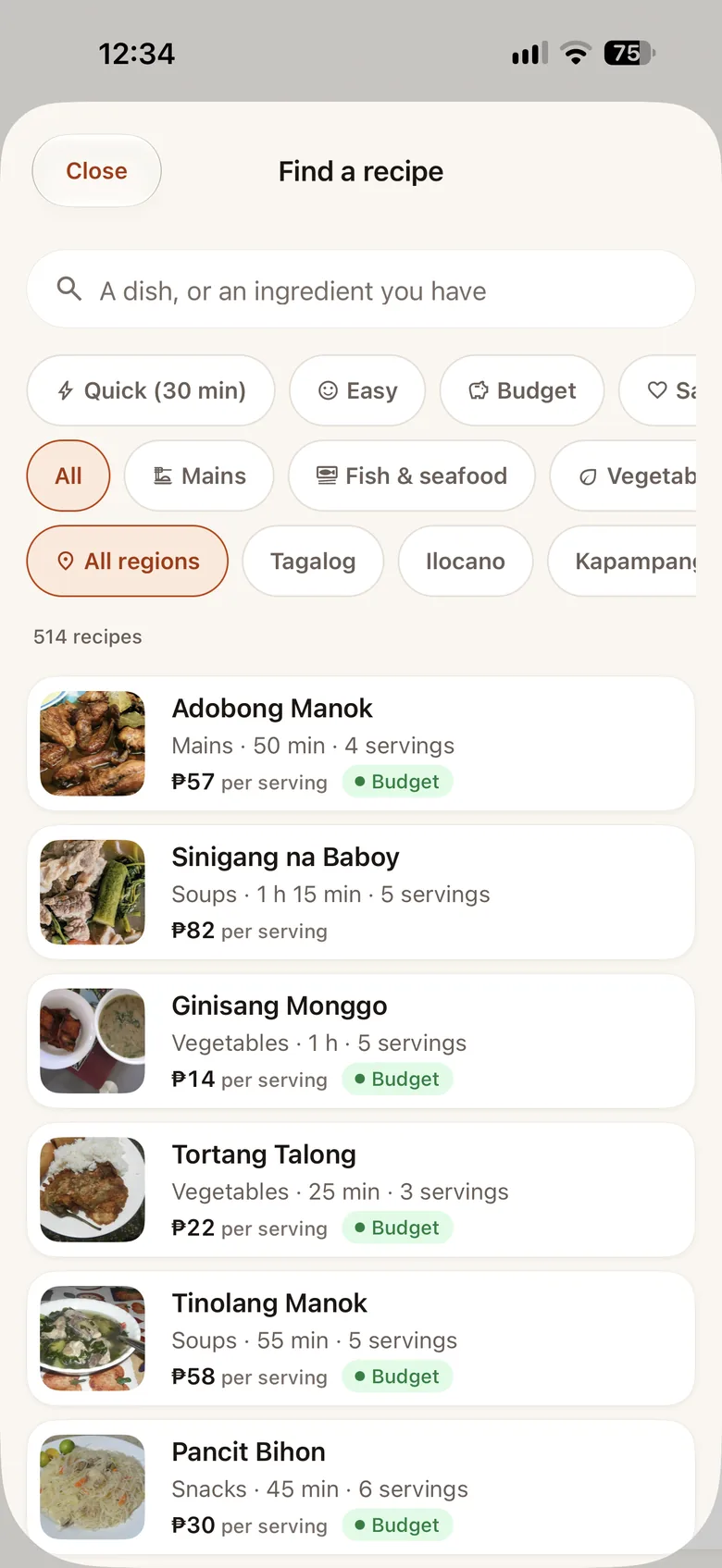
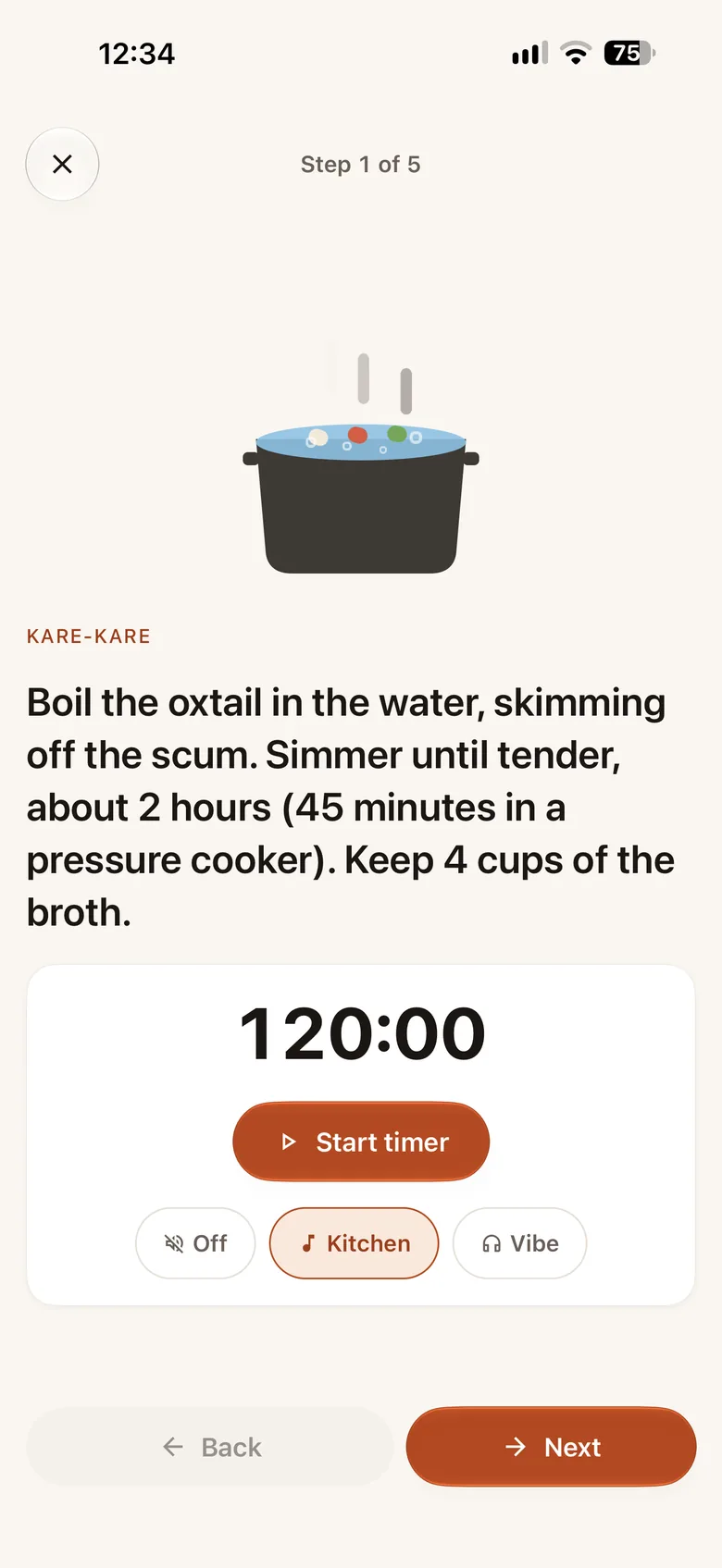
Yes. The recipes, the planner and your palengke lists live on your phone, so they work with no signal at all, and so do cooking mode and its timers if you have Pro. Only Kaldo’s chat and food scanning need a connection.
Where do the prices come from?
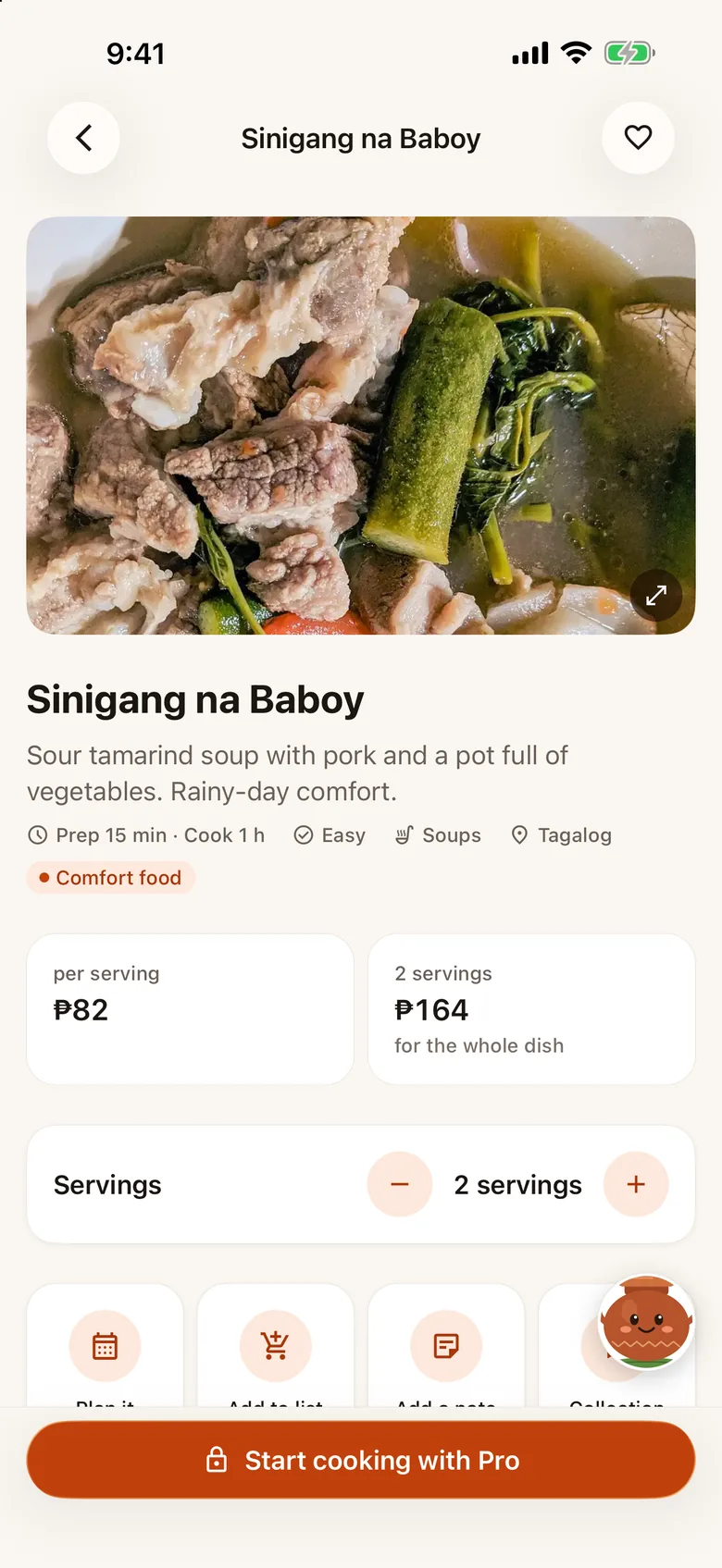
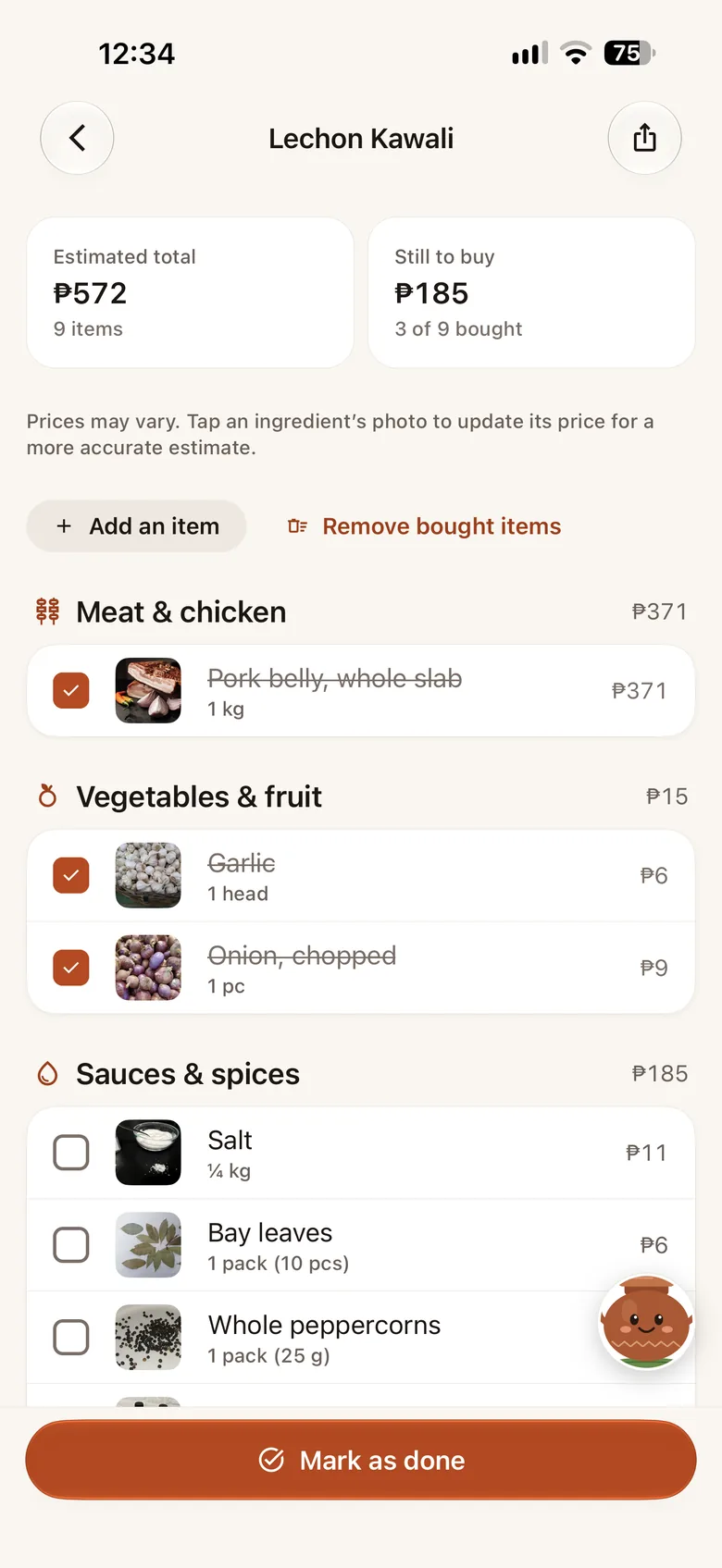
Each ingredient has one price, from the Department of Agriculture’s Bantay Presyo daily price index for Metro Manila where the DA tracks it, or an Ulamin estimate where it doesn’t. Every cost in the app is an estimate. Open an ingredient to see its source, and set what you actually pay: every recipe, plan and list uses your price from then on.
Who is Kaldo?
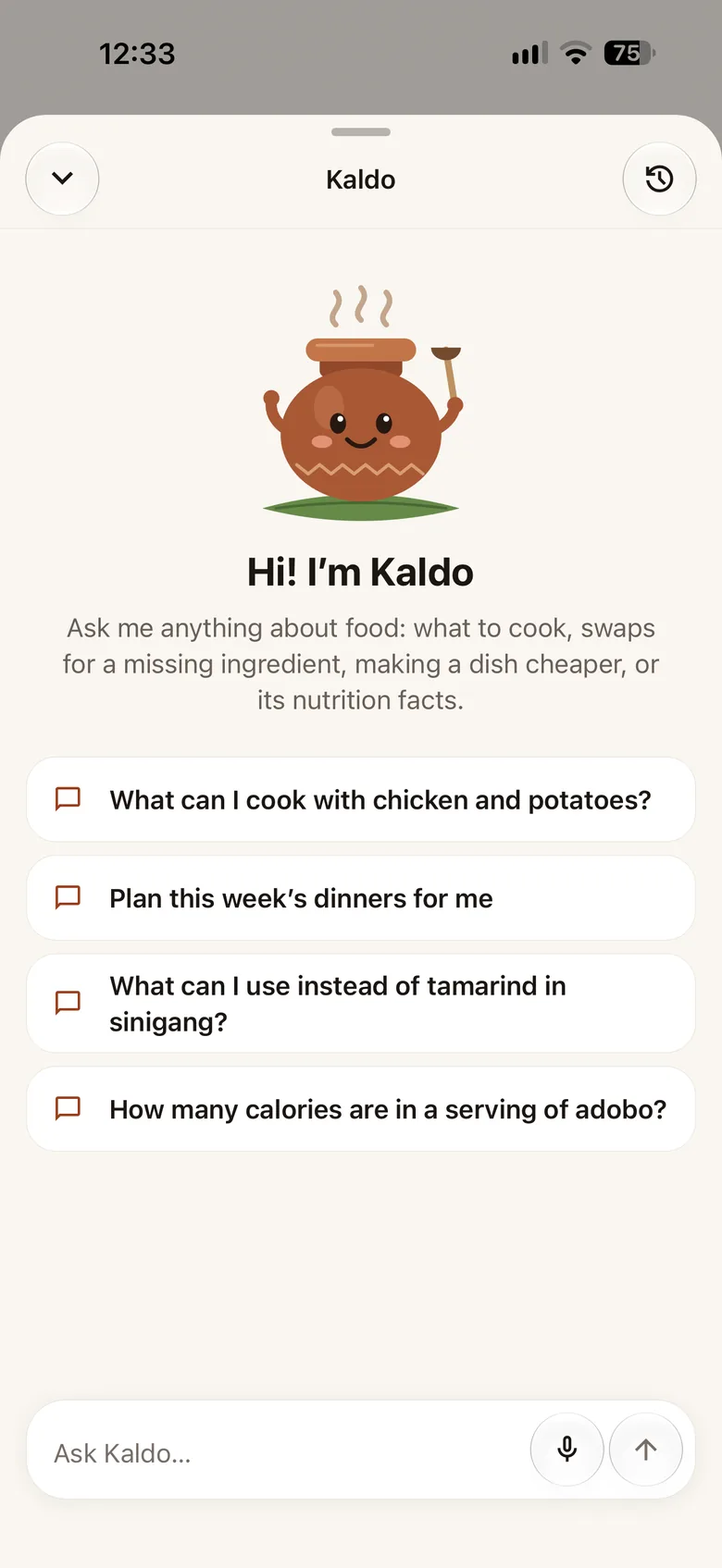
Kaldo is Ulamin’s palayok and your AI kusina helper. Ask him what to cook with what you have, how to swap an ingredient, or what’s in a dish. He only talks about food: recipes, cooking, ingredients, nutrition and allergens. Free gives you 3 new chats a day (follow-up questions in a chat are free); Pro has unlimited AI access under fair use.
What happens to the photos I scan?
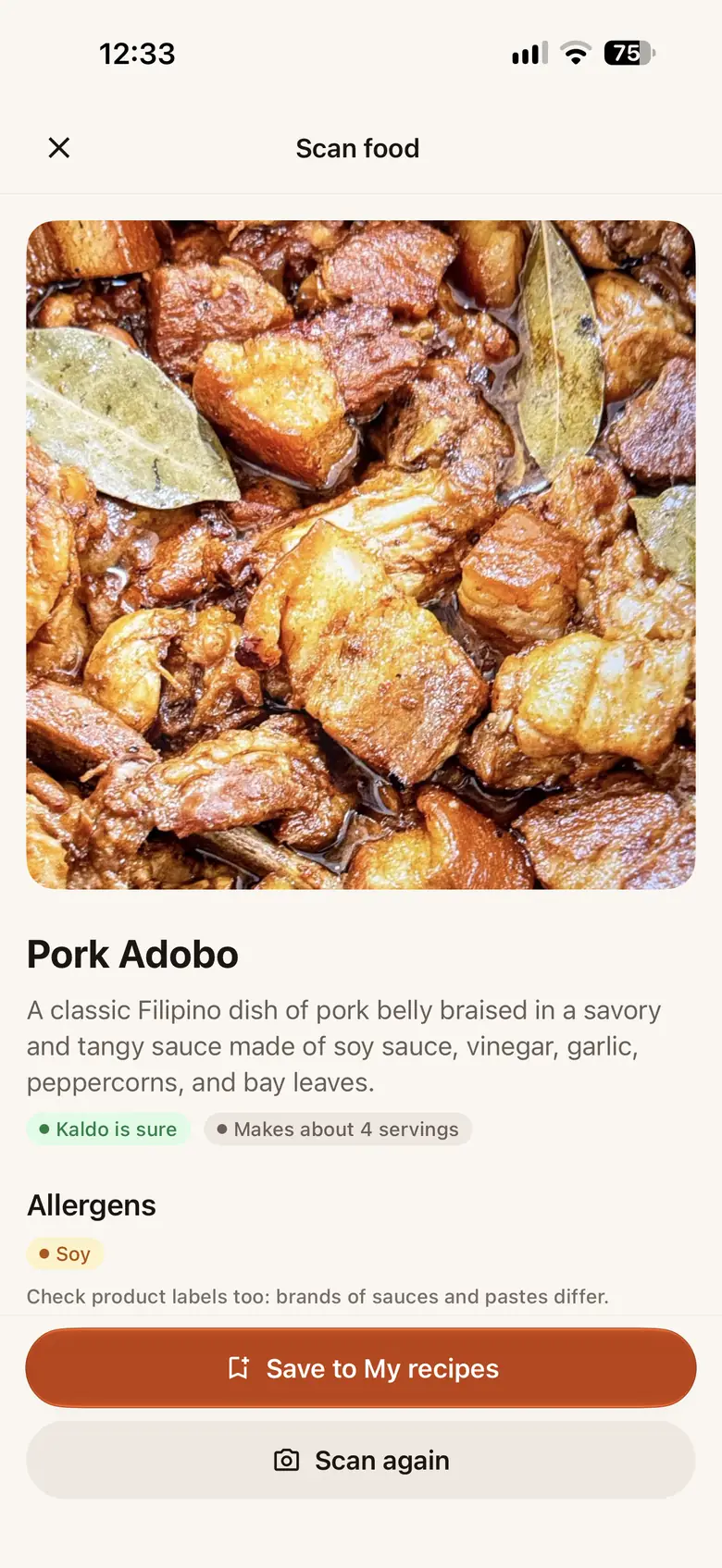
A scan sends the photo to Ulamin’s server so Kaldo can read it, and it isn’t kept there. Photos of dishes you finish cooking stay on your phone.
Can my family plan meals and shop together?
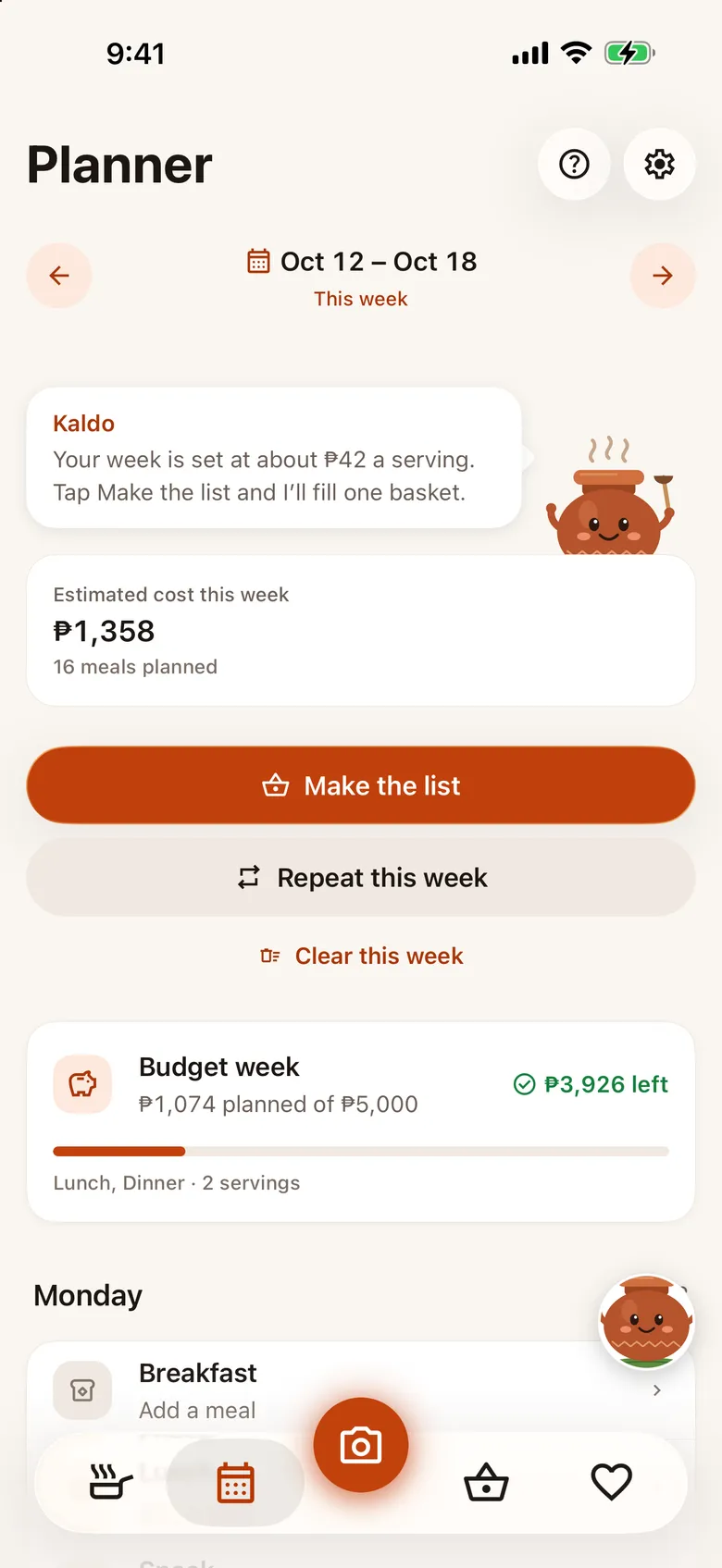
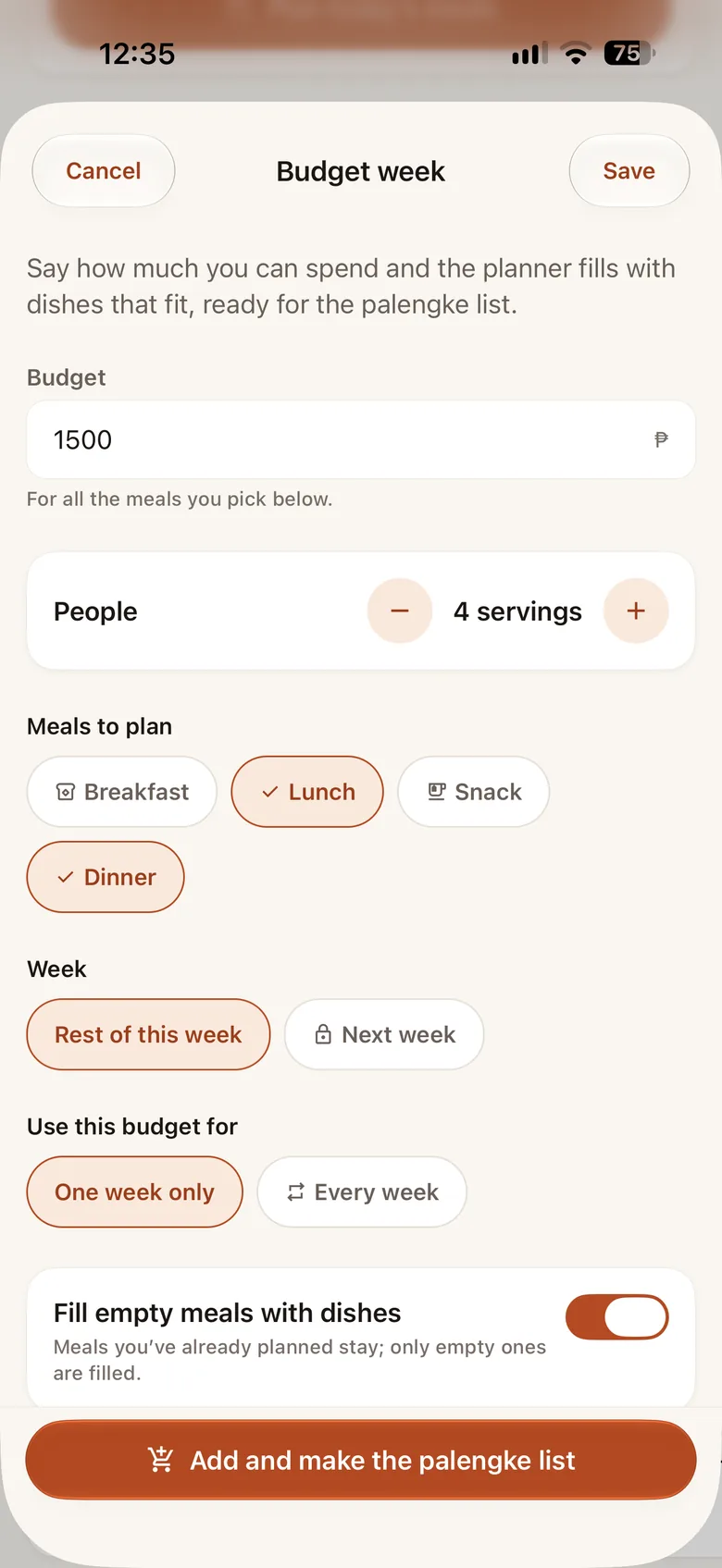
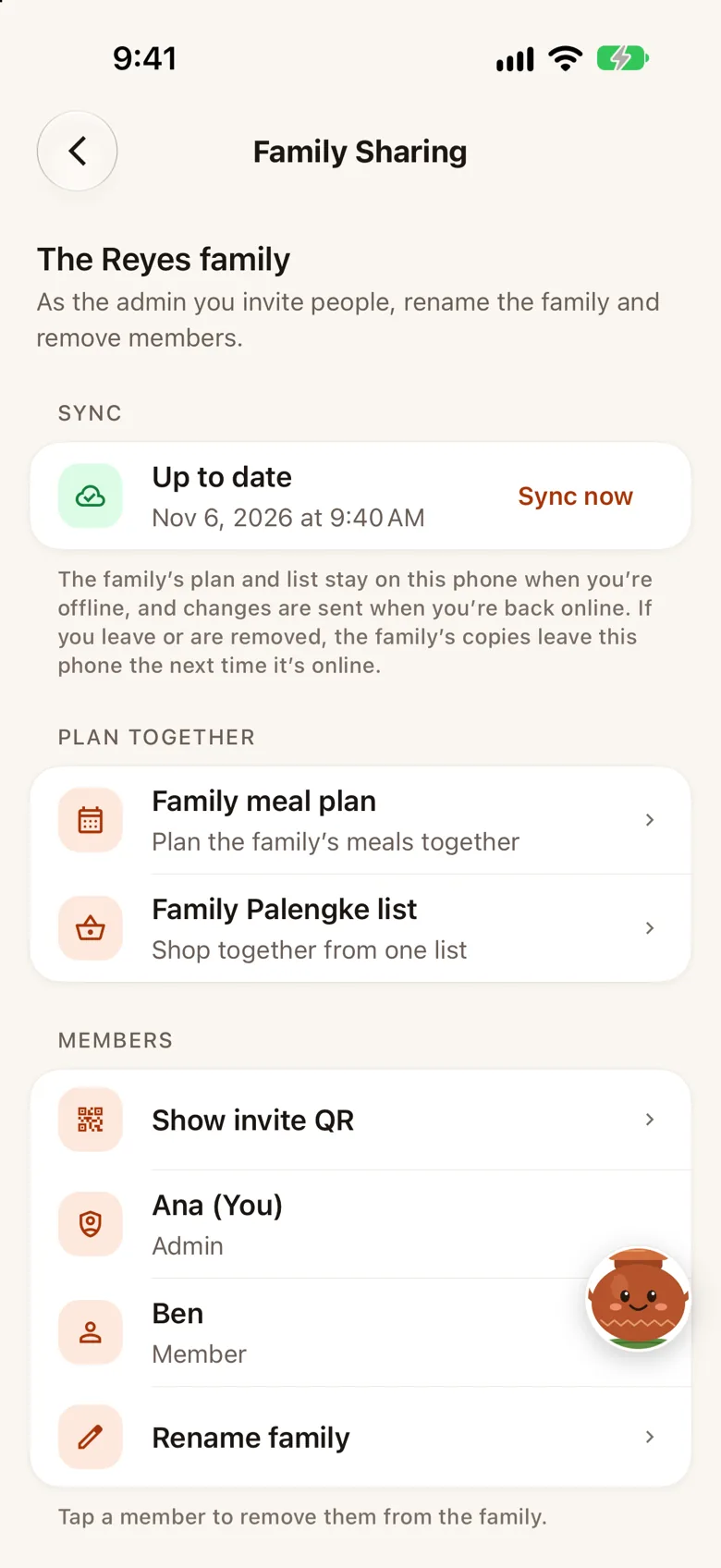
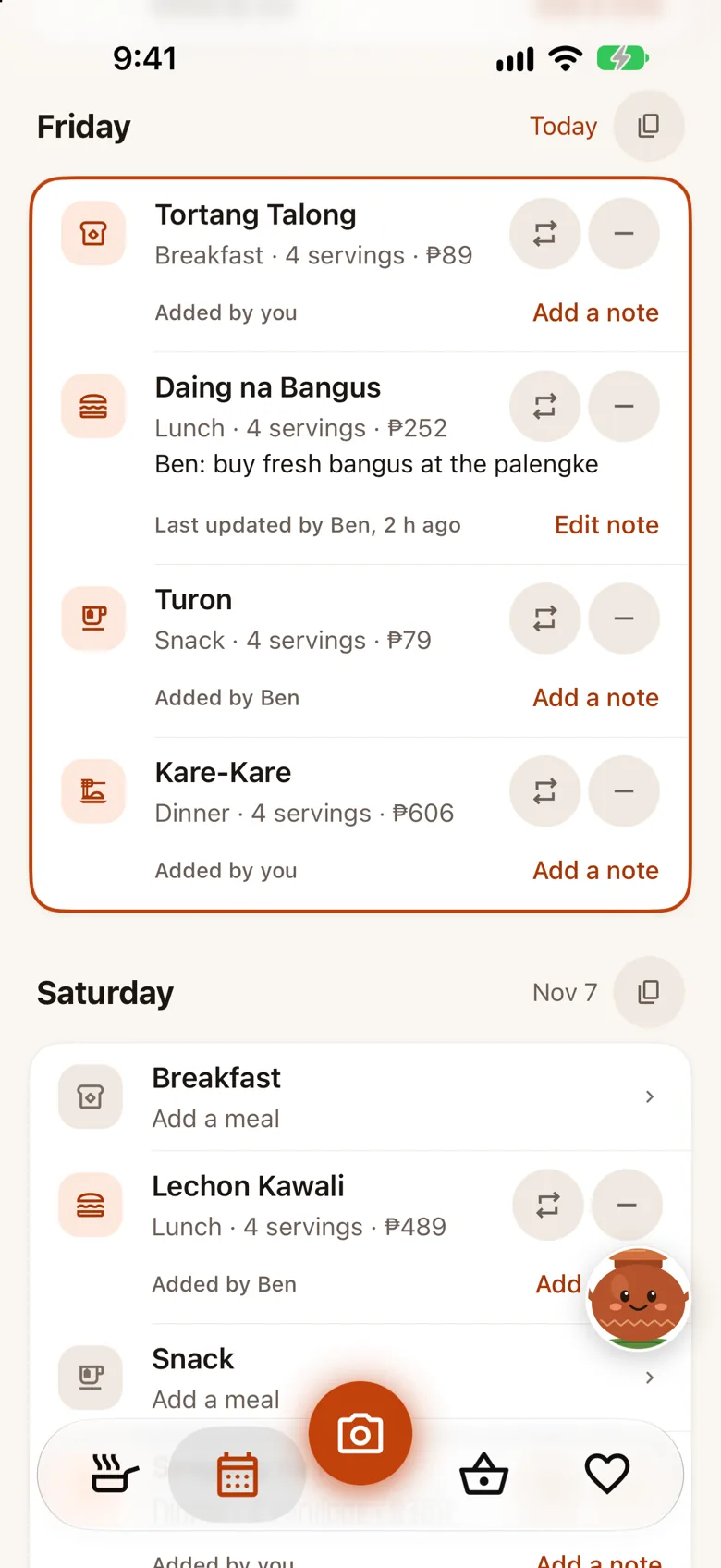
The person who starts a family (Pro) invites everyone else, who join for free with no sign-up. The family then shares one meal plan (almusal, tanghalian, merienda and hapunan, for any day or the whole week) and one palengke list. Anyone can add or change a meal or an item, tick off what they bought, and see who did it, and everyone’s phone stays in step, even after being offline. Your own plan and lists stay on your phone, and you can switch between them and the family’s.
Do I need an account?
No. There’s nothing to sign up for. Your data stays on your phone, and it backs up on its own to the iCloud (iPhone) or Google (Android) account the phone already uses, free. A backup file you keep yourself, to save anywhere, is part of Pro.
How many Kaldo chats do I get?
A chat is one conversation with Kaldo, and follow-up questions inside it are free. Free includes 3 new chats in any rolling 24 hours, and the app shows how many are left. Ulamin Pro gives you unlimited AI access under a fair-use allowance of up to 100 new chats in any rolling 24 hours; Pro never shows a counter, and if you ever reach the allowance the app tells you when it comes back. A chat that fails to get an answer doesn’t count, food scans aren’t counted as chats (they have a daily allowance of their own), and reinstalling the app doesn’t reset it.
What does Ulamin Pro add?
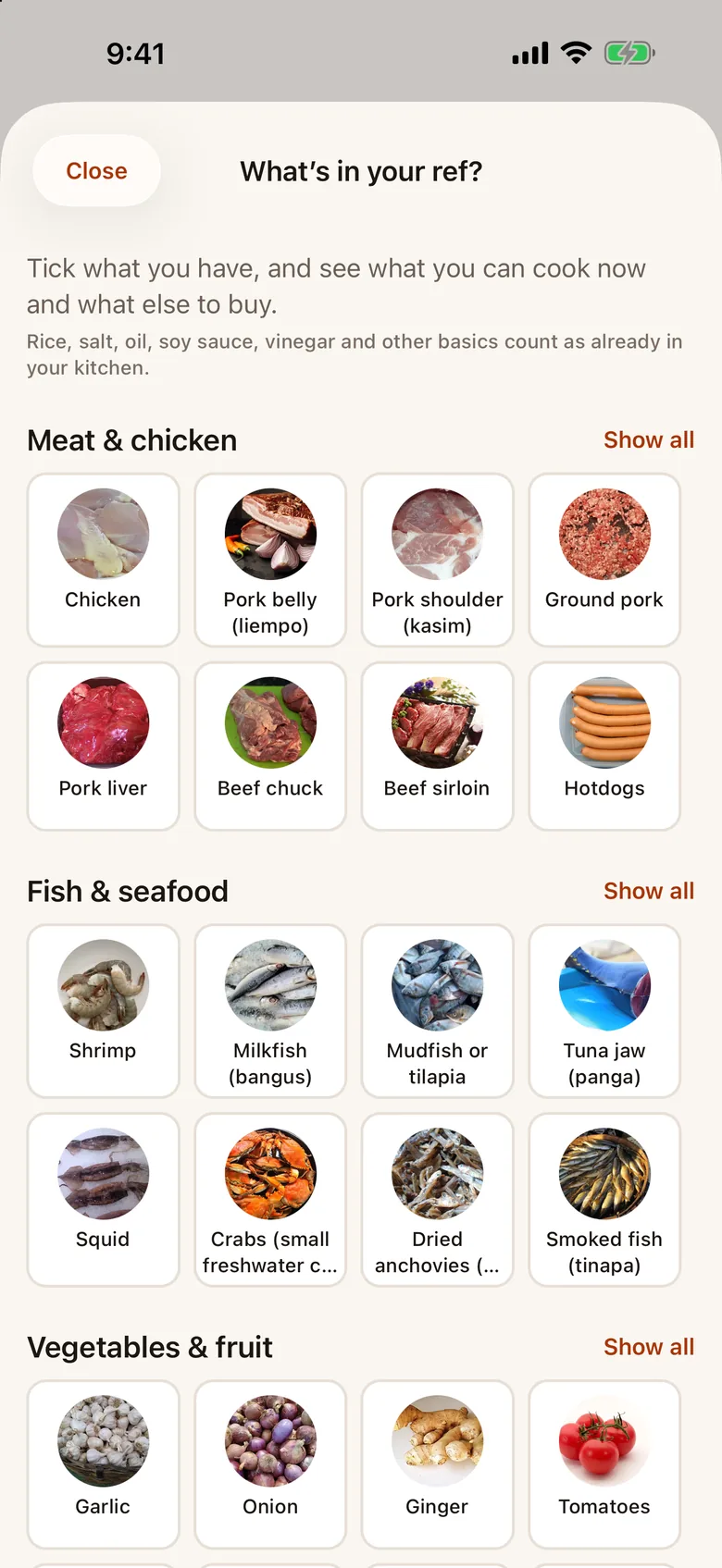
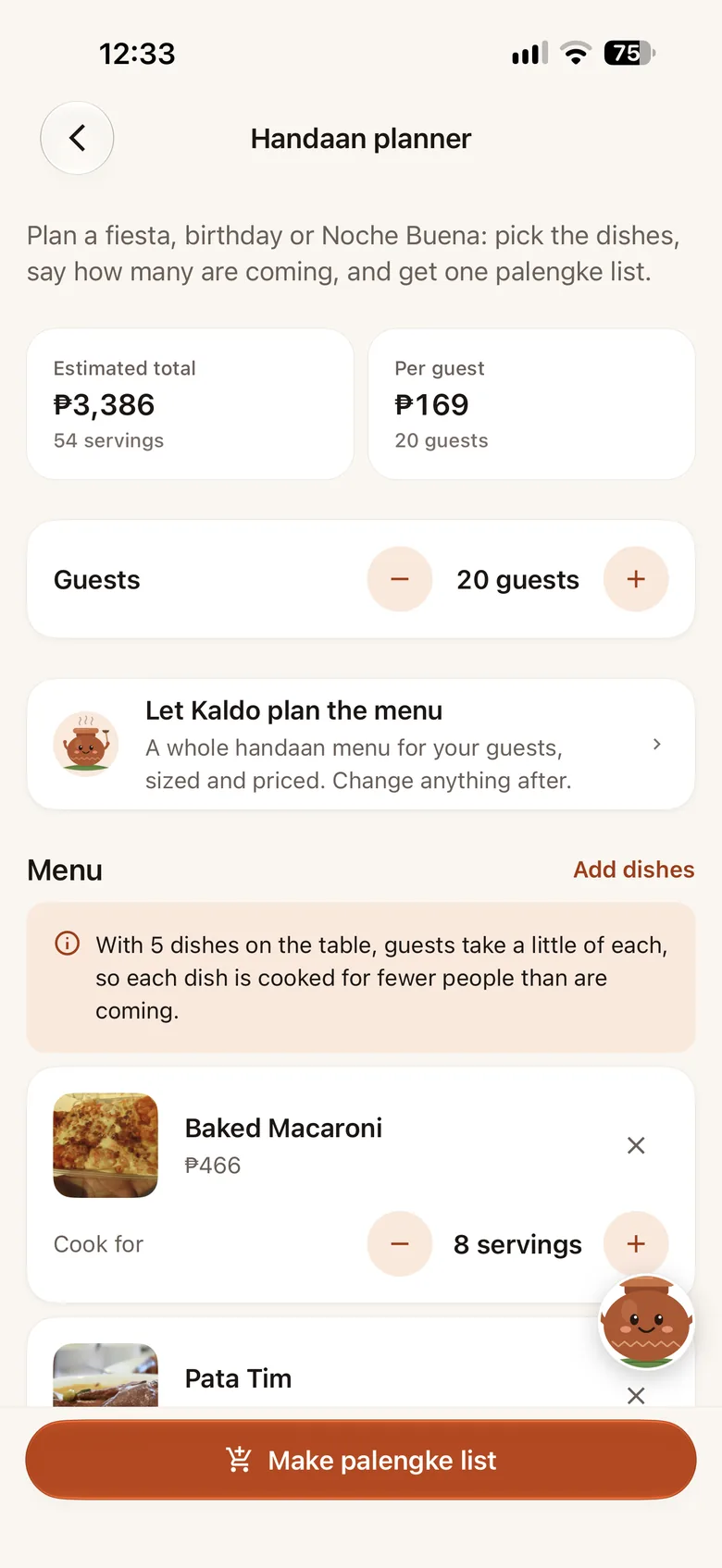
Cooking mode with its step timers, What’s in your ref?, the world kitchen, scanning any dish with no daily limit, Apple Watch Cooking and Lists, unlimited Kaldo chats (fair use), planning next week and beyond, the Handaan planner, as many of your own recipe versions as you like (Free keeps 3), and a backup file you keep yourself (automatic backup to iCloud or Google is free). Browsing and reading every Filipino recipe, this week’s plan, the palengke list and the Apple Watch glance stay free. Pro starts with a 14-day free trial; prices in your currency are shown in the app before you subscribe, and you can cancel any time in the App Store or Google Play.
Do scans use up my Kaldo chats?
No. Scanning a dish is an AI feature with a daily allowance of its own, counted apart from Kaldo’s chats. Free scans Filipino dishes, up to 5 a day; Pro scans any cuisine with no daily limit, under fair use. Your plan decides the allowance, and a scan that fails to get an answer isn’t counted.
What happens to my recipes and plans if Pro ends?
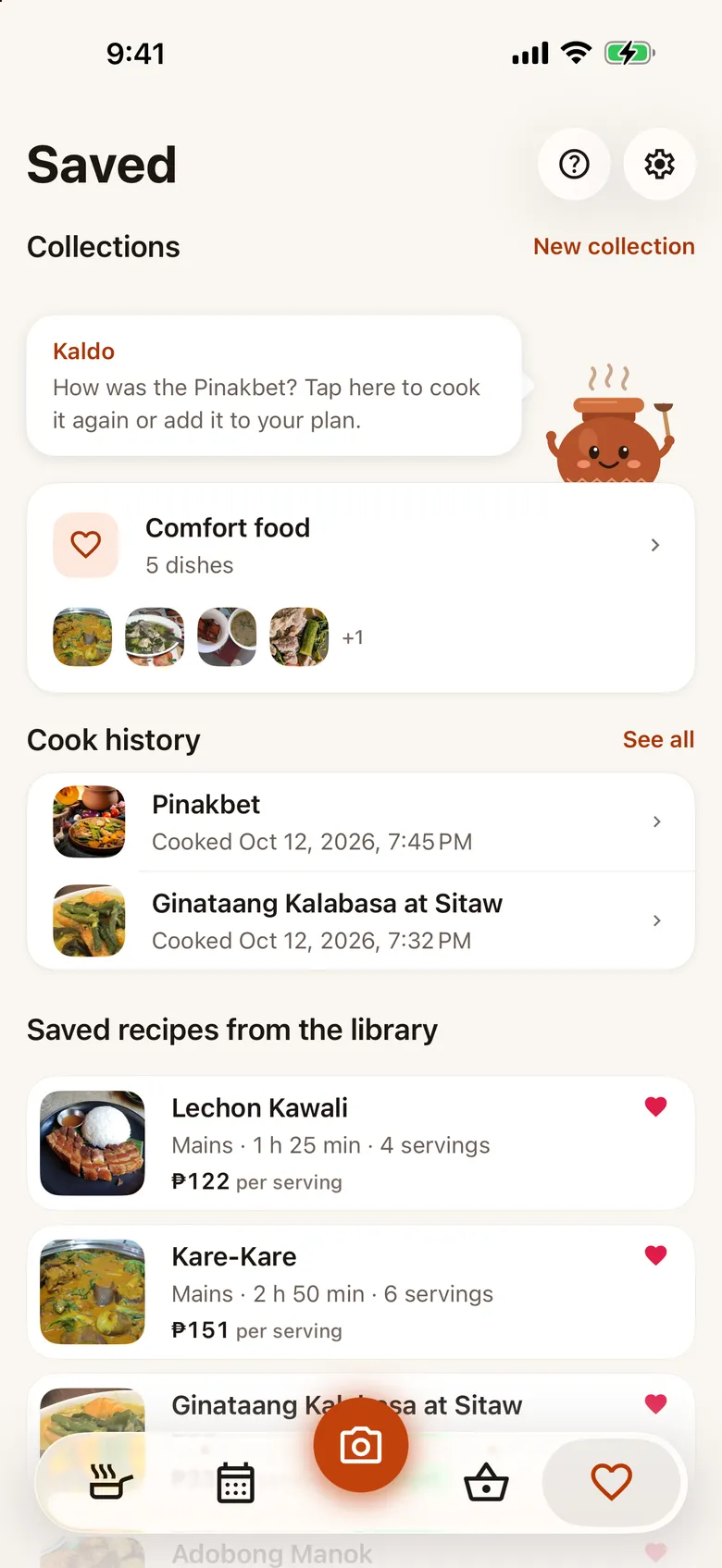
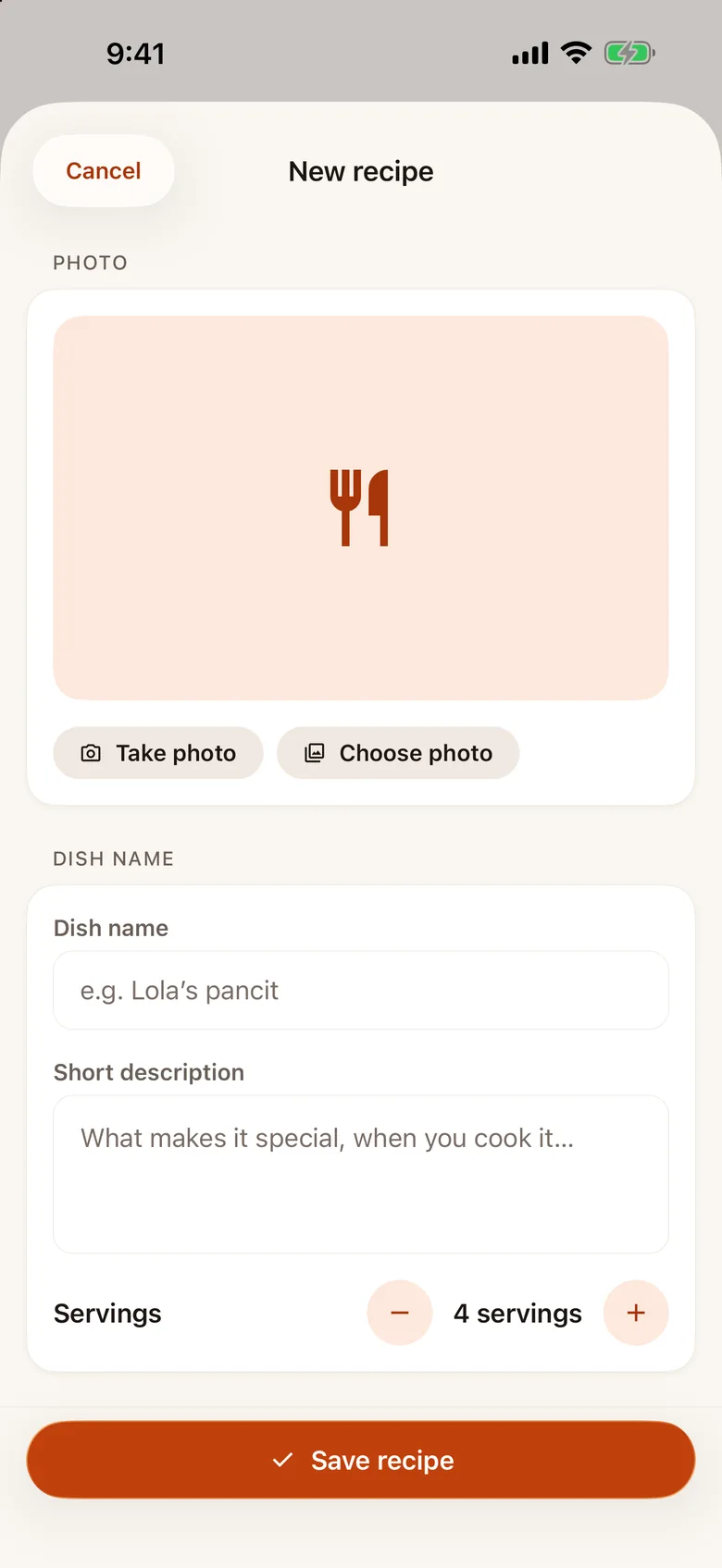
Nothing you made is deleted: your plans, lists, notes, saved dishes, cooked history, your own recipes and the ingredients you ticked in What’s in your ref? all stay. Cooking mode, What’s in your ref?, Apple Watch Cooking and Lists, the world kitchen and planning beyond this week lock until you subscribe again, and they are all back when you do.
Is it in Tagalog?
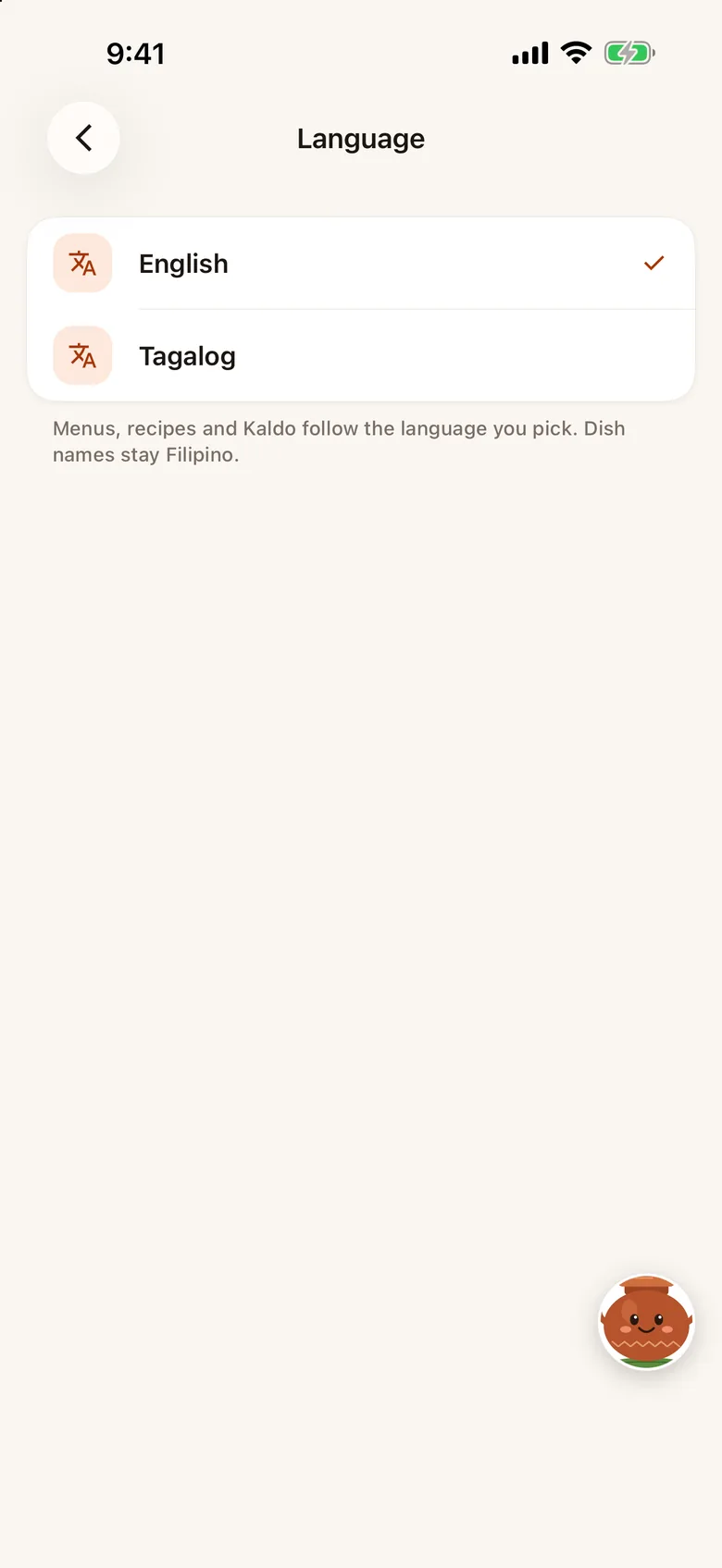
The whole app is in English and Tagalog; switch any time in Settings. Dish names stay Filipino in both. Bisaya is planned.
Is there an Apple Watch app?
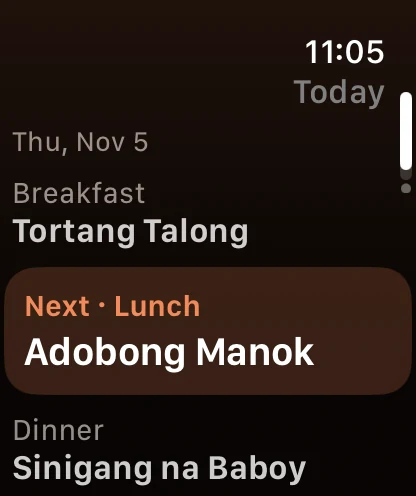
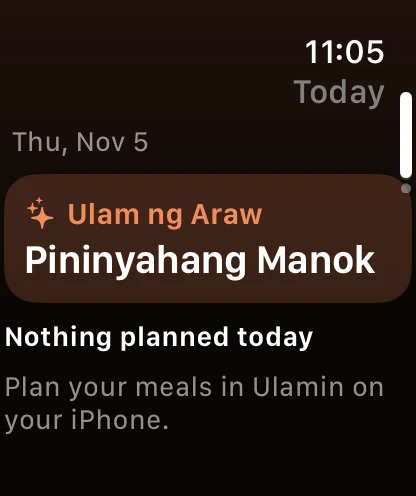
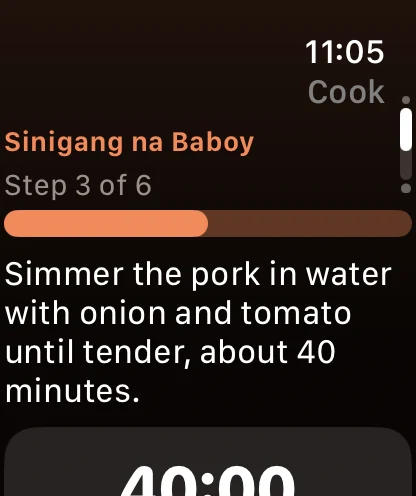
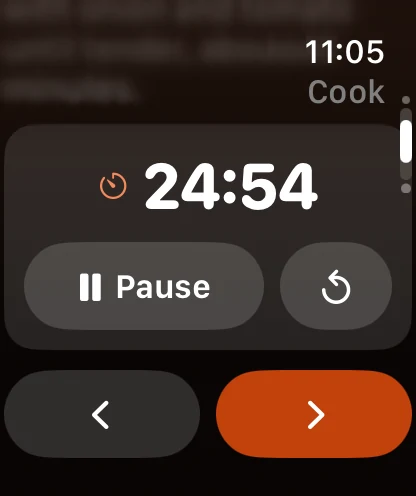
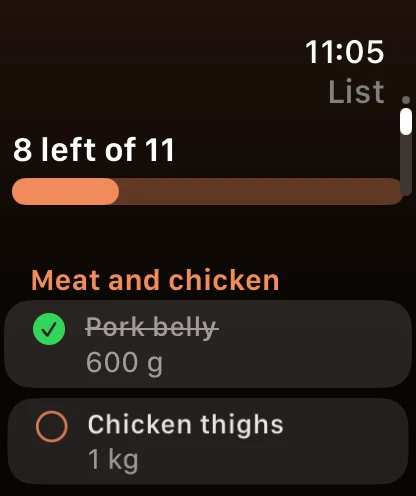
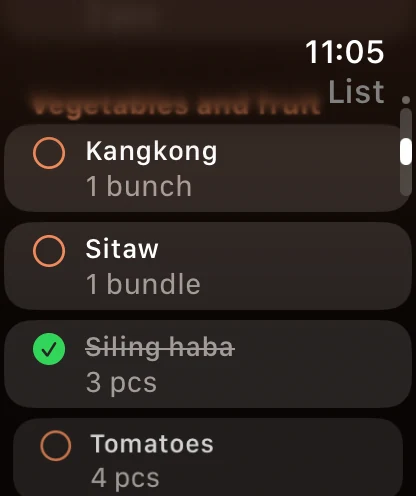
Yes. The glance is free for everyone: today’s dishes on your wrist, view only. With Ulamin Pro the Watch also follows cooking mode with the step, Back and Next and the step’s timer, and lets you tick off the palengke list as you shop. Your iPhone does the work and stays the one place your data lives, so the Watch needs it nearby. On Free, the Watch’s Cook and List pages show a lock and a short note.
Does it work on iPhone Duo?
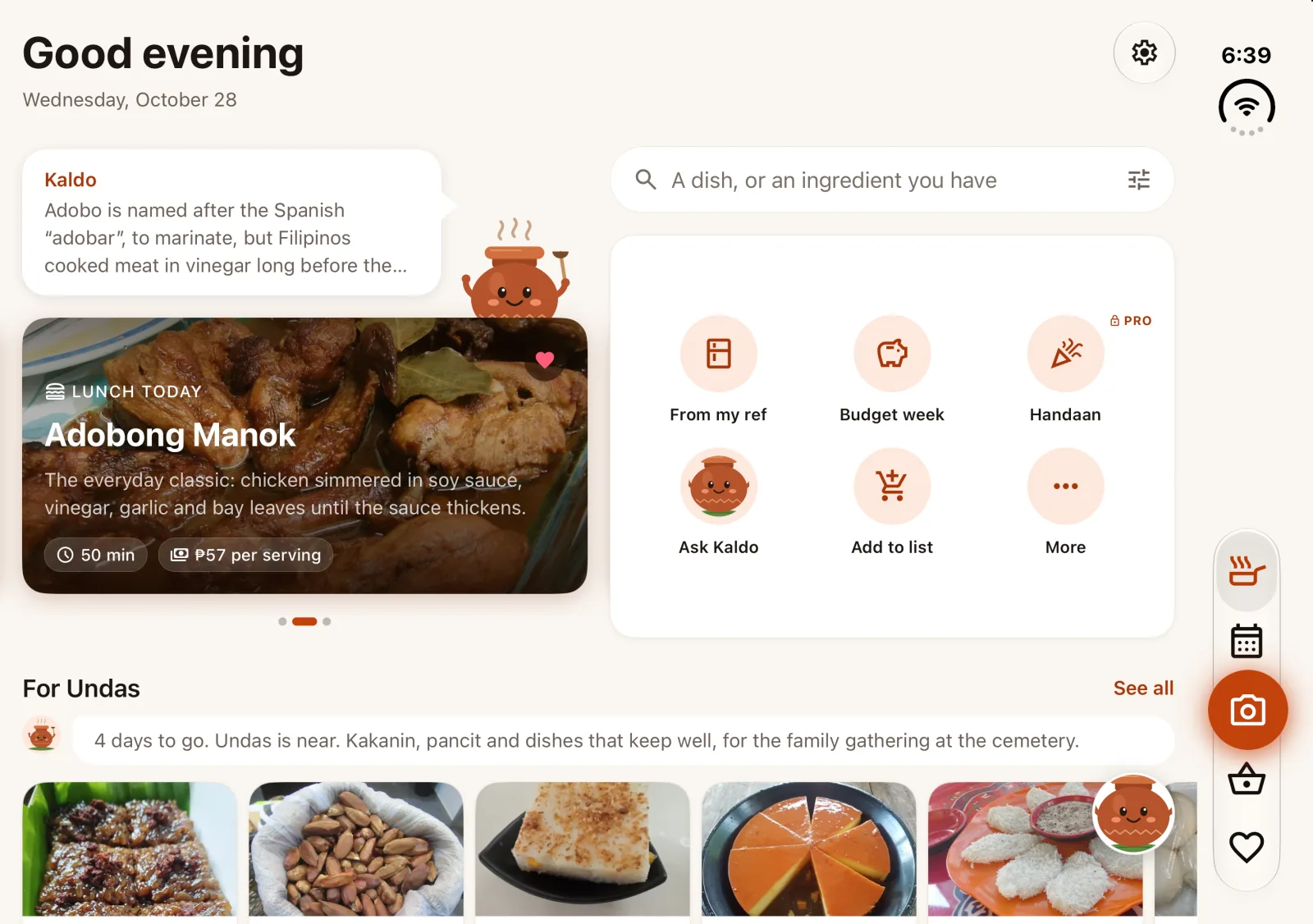
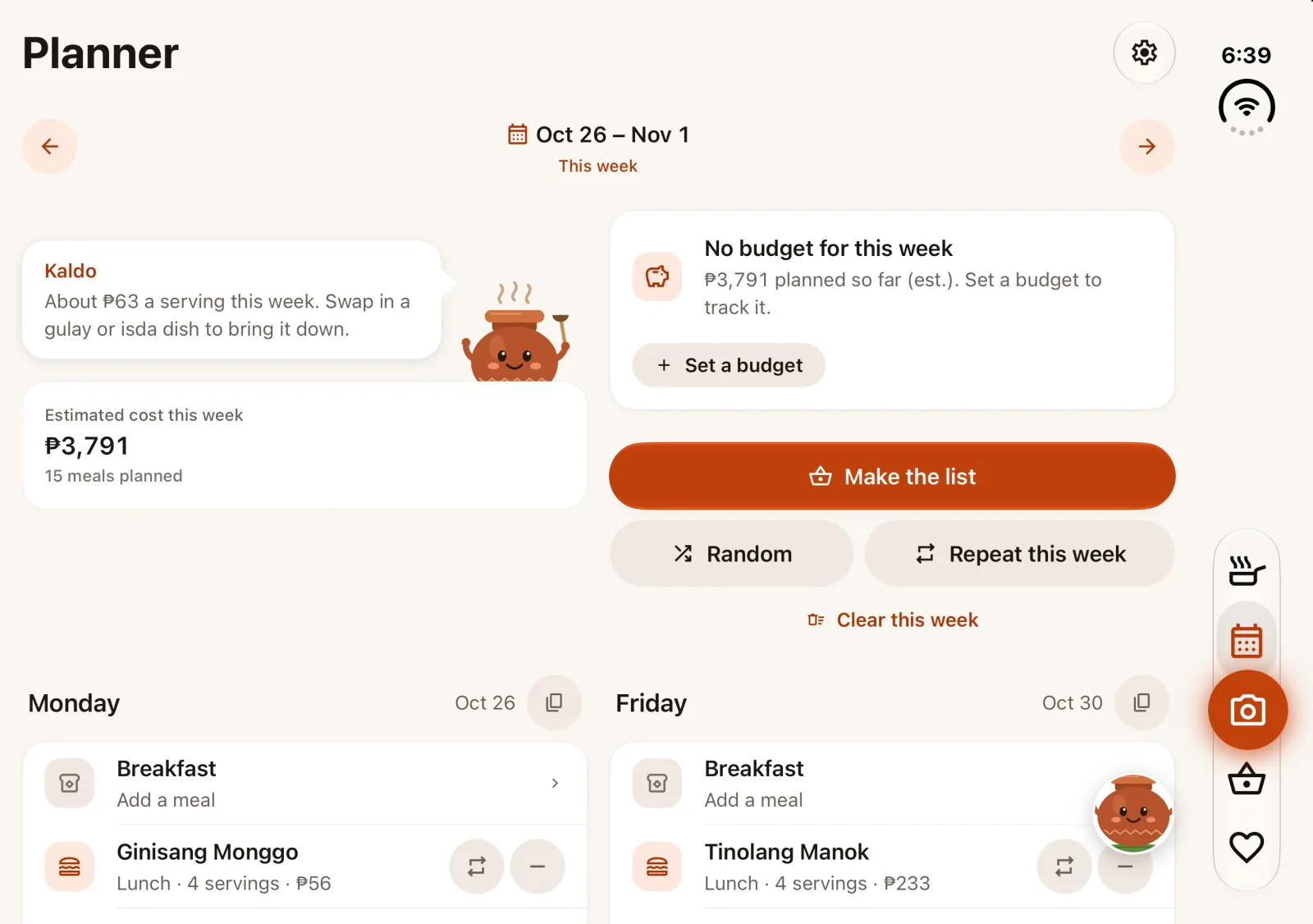
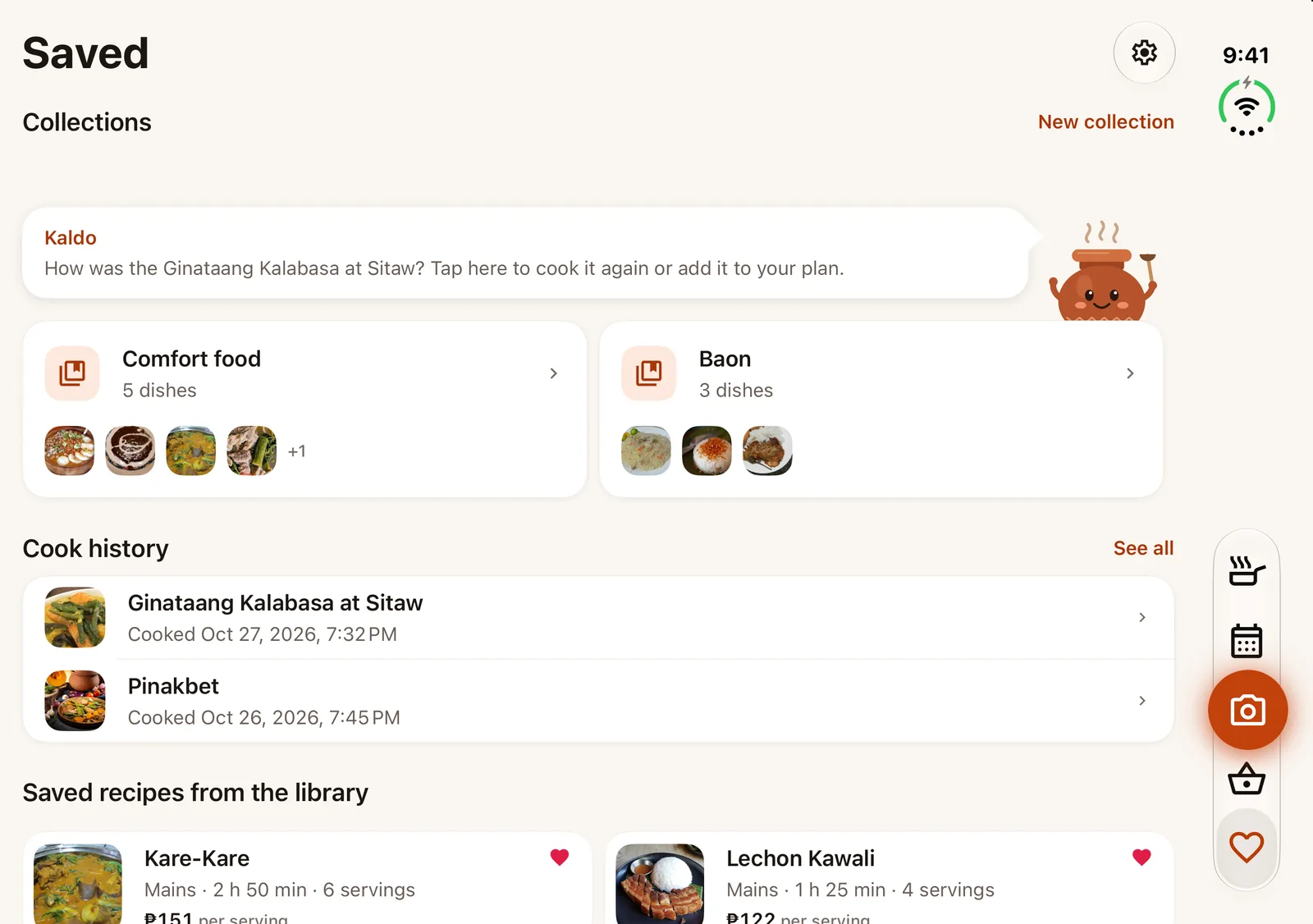
Yes. Opened flat, Home, the Planner, Saved and the List use the extra room: today’s dish beside the search and shortcuts, the week’s cost beside its budget with the days in two columns, baskets side by side. Closed, it keeps the usual iPhone layout.
When can I download it?
On iPhone, Ulamin is on the App Store as “Ulamin AI: Pinoy Meal Planner”, free to download: tap the App Store badge on this page. Android is next.